You're Presenting at a Conference. Now Build a Better Deck.
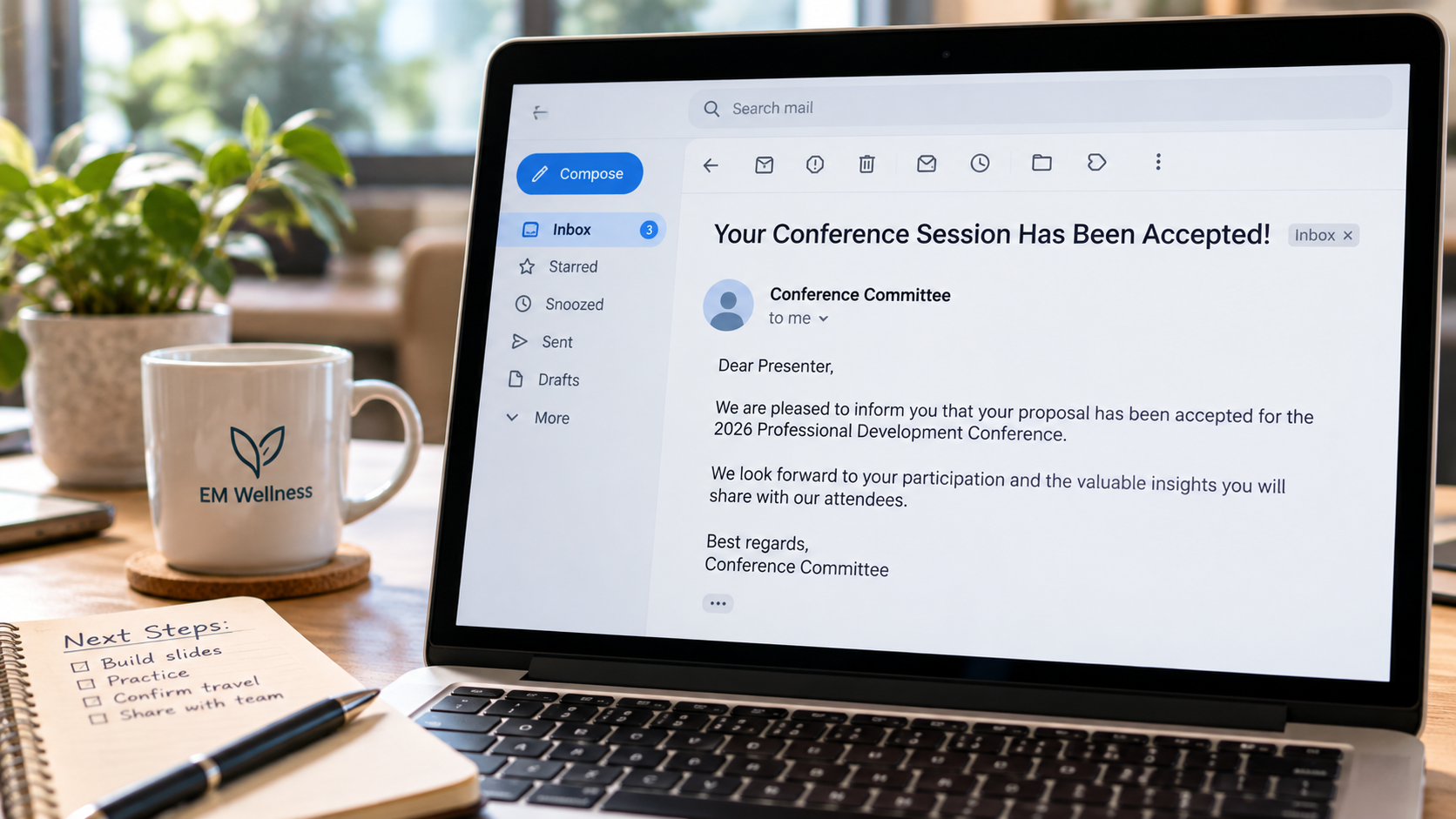
Getting accepted to present at a conference is exciting. Then comes the part few people are ever taught how to do: building the presentation.
I've attended a lot of conference presentations, and I've given a lot of them too. I've seen seasoned presenters struggle and first-time presenters do an incredible job, and the reverse. That makes sense. Most people presenting at professional conferences are there because they know their subject, not because someone trained them to design slides.
There are a few things I wish more of us thought about when we build them.
Start With What You Promised
Before opening PowerPoint, go back to the proposal that got you accepted.
Most conference proposals ask for a description and a few learning objectives. Months later, it is easy to treat those as paperwork you completed to get through the submission process. But attendees are now using that description to decide whether to spend the next hour with you instead of another session.
Few conference experiences frustrate me more than carefully choosing a session based on its description, only to realize the presentation is about something else. People chose your session based on what you told them they would get from it.
A good description should also help people decide whether the session is right for them. Are you speaking to people doing the work, overseeing it, writing policy about it, or some combination? Does someone need prior knowledge to follow you? Giving people that information helps them choose the sessions that will actually be useful to them.
Keep the description and learning objectives nearby while you build. When the deck is finished, go back and read them again. Did you actually deliver what you said you would?
Build for Someone Who Doesn't Know What You Know
Knowing a subject well can make it surprisingly difficult to decide what belongs in a presentation. You know the background, terminology, exceptions, and connections between ideas. Someone sitting in the audience may be encountering the topic for the first time.
For each point, I like to start with what someone actually needs to know to understand it. Then I think about how I would explain it to a nonspecialist or generalist. Once I know that, I can decide what would help them understand it.
Maybe that is a few words on the screen. Maybe it is an image, chart, diagram, example, or story. Sometimes the slide barely needs anything at all.
Aim for one main point per slide. When a slide is trying to communicate six things at once, the audience has to figure out where to look while also listening to the presenter. One point gives everyone a clearer place to focus.
The Association for Talent Development's guidance on slide design makes similar recommendations, including presenting one idea at a time, keeping on-screen text concise, and aiming for more white space than content.
This will probably mean you have more slides. That's okay. A slide with one point may only need to be on the screen briefly. The number of slides does not determine the length of the presentation.
Make the Font Bigger
Tiny font has become one of my biggest conference presentation frustrations. Slides are not Word documents projected onto a wall. If people cannot comfortably read what you put on the screen, I'm not sure what purpose it is serving.
My practical rule is at least 24-point font for a breakout room and 30-point font for a main stage. Those numbers are my recommendation, not a universal accessibility standard. Microsoft's guidance for PowerPoint presentations also notes that fonts smaller than 30 points may be difficult for an audience to see from a distance.
My less scientific test is whether I can sit toward the back of the room and read the slide without reaching for my reading glasses.
I also like what bigger font does to the presenter: it makes less fit. If your point will not fit on the slide at a readable size, that may be a sign that something needs to come off the slide.
The same goes for full sentences. There are reasonable exceptions, such as a direct quote, an excerpt from a law, or something else where the exact wording matters. Most of the time, though, people should not be trying to read a paragraph while also listening to you explain it.
Make Sure Your Stories Have a Point
"War stories" can be one of the best parts of a presentation. They can make an abstract idea easier to understand and show what something actually looks like in practice.
But choose the story because it helps explain the point. Do not tell the story and hope the audience figures out why it mattered.
I've watched presentations where the story keeps going and eventually it feels less like someone is teaching and more like I'm watching someone process an experience in real time. The presenter knows why the story matters because they lived it. The rest of us do not have that context.
This is where What's In It For Me (WIIFM) is useful. Consider your audience filled with selfish people for a moment. Why should they care about this story? What does it help them understand? What are they supposed to take from it?
If you do not have a good answer, reconsider whether you need the story. War stories are great, but they cannot be the entire presentation unless the session description essentially promised, "Come hear so-and-so's war story about X." People spent time and money to attend the conference because they expected to get something from the session, not listen to an audiobook.
Check It From the Audience's Side
Once the presentation is built, look through it again as someone who does not already know what you know.
Can they read what is on the screen? Is it clear what matters on each slide? Have you used terminology you never explained? Do the examples and stories help make your points clearer? If someone chose your session based on its description, are they going to get what they came for?
I would also prepare a second version of your bio specifically for the person introducing you. The longer version you submitted for the conference website or app may work well on a screen but be awkward for someone to read aloud. Keep the introduction version to about 10-30 seconds, include phonetic spellings where needed, and read it aloud yourself. If you stumble over something you wrote about yourself, the person meeting you for the first time probably will too. I also like to bring a printed copy rather than assume the introducer will have it.
Then go back to where you started. Read the session description and learning objectives one last time. Look through the slides from the back of the room, figuratively or literally. Can people follow you? Can they read them? Did you give them what you said you would?
If so, you're probably in pretty good shape.